
Yes, you can transfer your ButtonShift account to a new email address at any time by verifying the new email ID.
Steps to Change Your Email Address
Follow these steps to update the email address associated with your account:
- Click the Top Left icon which displays your user information (profile picture or initials).
- Navigate to Edit Profile.
- Click on the Contact tab.
- Click on the Edit icon (a pencil icon) located next to your current email ID.
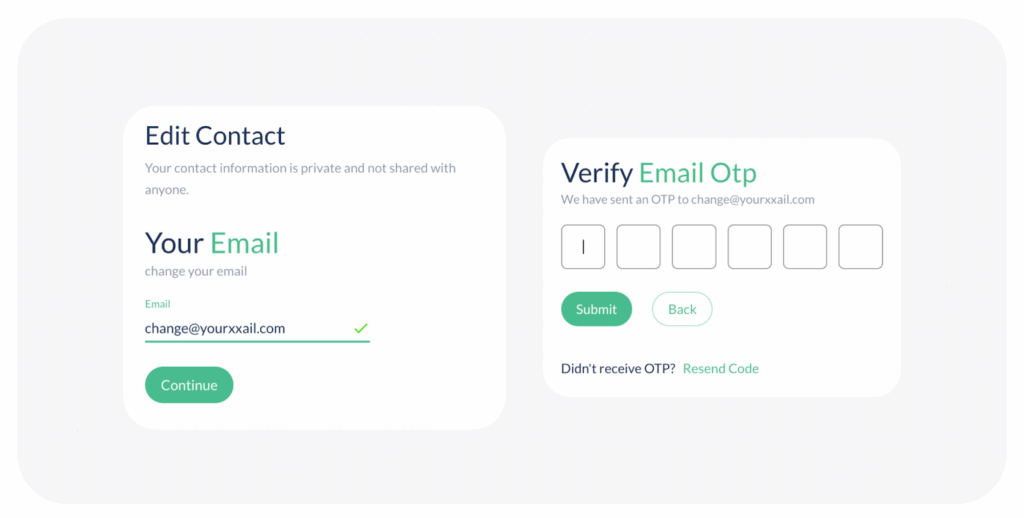
- Type your new email address and click Continue to initiate the verification process.
- Upon successful verification of the new email address, your ButtonShift account will be immediately updated and registered with the new email ID.
Visited 5 times, 1 visit(s) today
Was this article helpful?
YesNo
Last modified: October 13, 2025
